- My role
- Research, UX and UI
- Team
- Himank Vijureja and Devang Verma
- Time
- 4 weeks
- Made for
- Browser extension, web dashboard and phone app
- Tools
- Figma, Claude, ChatGPT
01 The problem
Final year students apply to jobs on lots of different sites and then hear nothing back. They don’t know if anyone saw their application, if they were even eligible, or if they should follow up. That waiting slowly turns into self doubt.
- 78%said waiting is the worst part
- 61%rarely or never hear back
- 67%keep track of applications in their head
02 What we did
We surveyed 27 students, did 8 interviews with students, graduates and an HR executive, and visited Banur, Mohali and Mathura. We also compared what Superset, Unstop, LinkedIn and Simplify offer.
03 What we found
- Students use 3 or more job sites, and none of them share updates with each other.
- Replies take 1 to 4 weeks, and often never come.
- 56% aren't sure if they even qualify for the jobs they apply to.
- 89% already use AI for their job search, but 67% would only trust it if it explained its suggestions.
The main issue: nobody tells the student where they stand.
04 Who it's for
The applicant left waiting.
A final year student applying through campus placements and off campus at the same time.
"Did they even see my application?"
05 How the idea changed
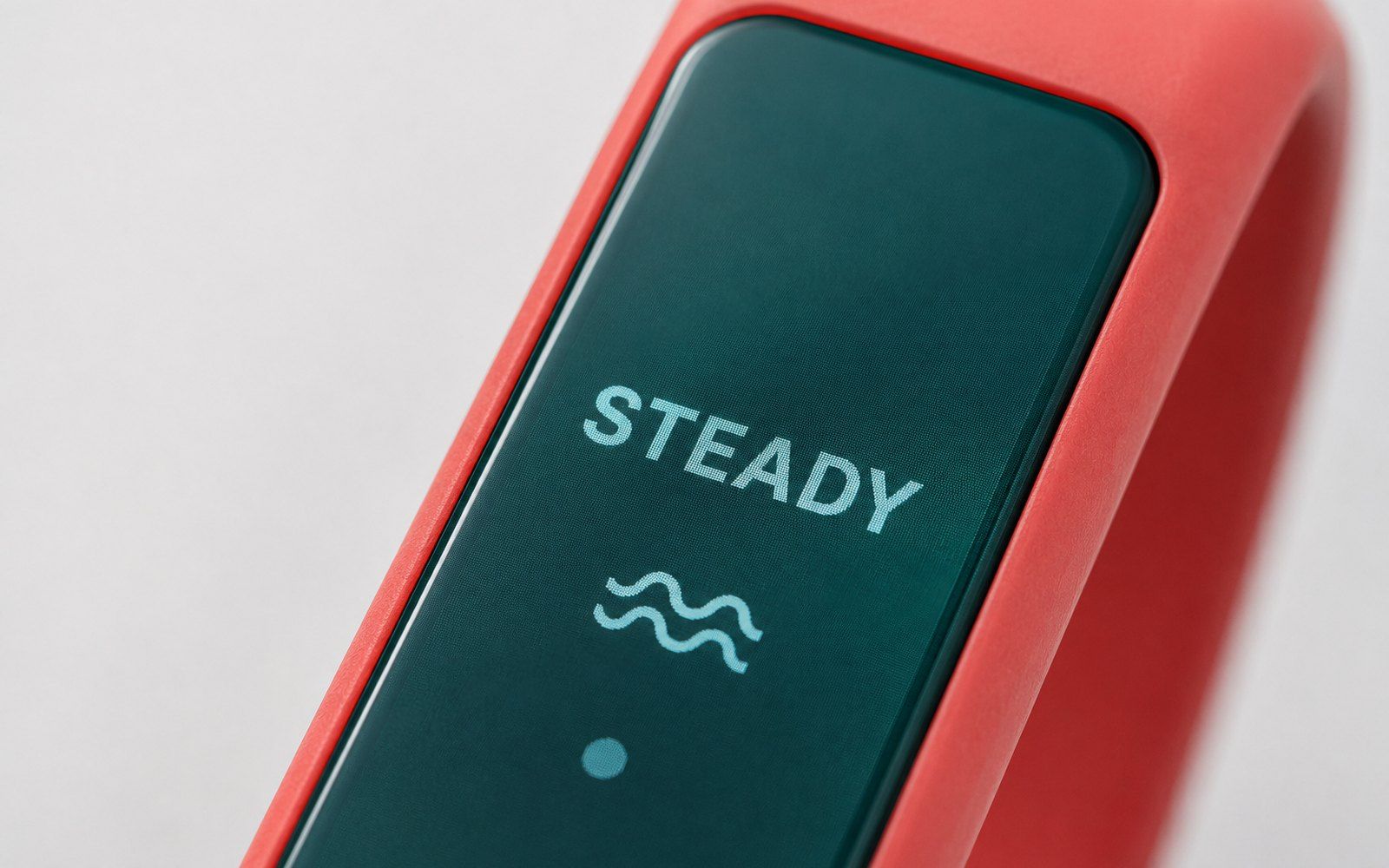
Our first version had too much in it, including a physical badge. After mentor feedback we removed the hardware and anything that needed companies or the placement cell to join in. We listed 20 ideas, sorted them with MoSCoW, and kept 5.
06 What Vigil does
before applying
Fit Check
Reads the job post and tells you if you're a good fit, borderline, or not a fit.
after applying
One Board
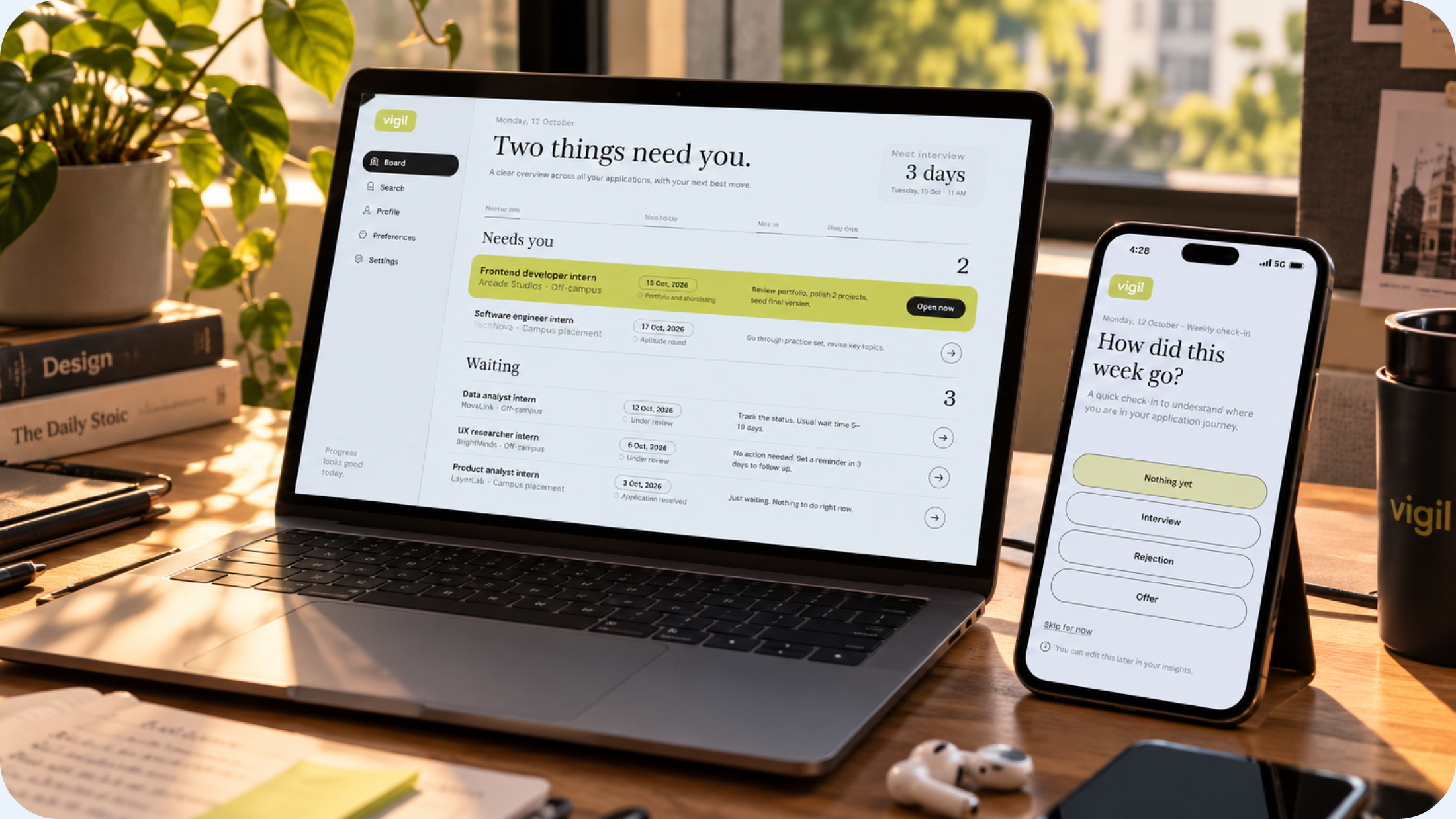
Shows all your applications in one place.
while waiting
Reply Clock
Estimates when you should hear back, based on how long that company usually takes.
when it's late
Follow-up Draft
Writes a polite follow up email for you to edit and send yourself.
after a reply
Coach
Suggests likely reasons for a rejection and what to improve next.
07 Design rules we followed
- Always show where information comes from: you, the job post, or an estimate.
- Estimates look different from facts, so nothing is misleading.
- Rejections are never shown in red.
- Vigil never sends anything without the student’s approval.
08 One product, three devices
The browser extension checks jobs while you browse. The laptop dashboard holds all your applications. The phone sends a weekly check-in and alerts. 77 screens in total.
09 Testing
We tested with 3 students who did 5 tasks each and found 8 issues. Everyone liked approving the follow-up email before it went out. The biggest problem was students not knowing whether to wait or follow up, so we added a “What to do next” line to every application.
10 What I learned
The hard part of job hunting isn’t a lack of jobs. It’s not knowing what’s going on. Students wanted help, but they also wanted to stay in control.